
Blog article
Best Crypto Wallets in 2026: Hot and Cold Storage Compared
We tested and compared the top crypto wallets for security, ease of use, and coin support. Here are our picks for hot and cold storage.
 Adheres to

 Adheres to
 12 Min read | Crypto
Picking the right crypto wallet can be the difference between sleeping soundly and losing everything to a hack. With billions of dollars in crypto stolen over the past few years, your wallet choice matters more than which coins you buy.
We spent weeks testing the top crypto wallets on the market, comparing their security features, supported coins, ease of use, and overall value. This guide breaks down the best options for 2026, whether you need a free app for everyday trading or a hardware device for long-term cold storage.
Quick Answer: Best Crypto Wallets 2026

Best for Beginners: Coinbase Wallet - Easy setup with Smart Wallet passkey technology
Best for Ethereum & DeFi: MetaMask - The go-to wallet for dApps and DeFi protocols
Best Hardware Wallet: Ledger Nano S Plus - Offline security for 5,500+ coins at $79
Best Budget Hardware Wallet: Trezor Safe 3 - Open-source security with EAL6+ chip for $79
Best for Mobile: Trust Wallet - Supports 100+ blockchains with built-in staking
Best for Desktop: Exodus - Beautiful interface with built-in exchange for 300+ assets
Best Budget Cold Storage: SafePal S1 - Air-gapped hardware wallet for just $49.99

Key Takeaways
Hot wallets (software) are free and convenient for frequent trading, but stay connected to the internet
Cold wallets (hardware) cost $49 to $399 and store your private keys offline for maximum security
Many experienced users combine both: a hot wallet for daily transactions and a cold wallet for long-term holdings
Your seed phrase (12-24 words) is the master key to your crypto. Lose it, and you lose access permanently
Self-custody wallets give you full control, unlike exchange wallets where the platform holds your keys
Understanding Crypto Wallets
A crypto wallet doesn't actually "store" your cryptocurrency. Your coins live on the blockchain. What the wallet stores is your private key, which is the cryptographic password that proves you own those coins and lets you send them.
Think of it like a house key. The house (your crypto) sits on the blockchain, but without the key (your private key), you can't get inside. Lose the key, and your crypto is locked away forever.
Crypto wallets come in several forms: mobile apps, desktop software, browser extensions, and physical hardware devices. Each type balances convenience against security differently.

Custodial vs. Self-Custody Wallets
Custodial wallets (like exchange wallets on Coinbase or Kraken) let the platform hold your private keys. It is convenient, but the exchange controls your funds. If they get hacked or go bankrupt, your crypto could be at risk.
Self-custody wallets (every wallet in this guide) give you full control of your private keys. You are solely responsible for security and recovery. The tradeoff: more responsibility, but nobody can freeze or seize your funds.
Hot Wallets vs. Cold Wallets
The biggest decision when choosing a crypto wallet is whether to go hot or cold. Here is what separates them.
Hot Wallets (Software)
Always connected to the internet via your phone, computer, or browser
Free to download and use (you only pay network transaction fees)
Faster and more convenient for day-to-day trading and DeFi
Higher risk of online attacks because your keys are on a connected device
Best for: active traders, DeFi users, and smaller amounts you use regularly
Cold Wallets (Hardware)
Store your private keys on a physical device that stays offline
One-time purchase cost ranging from $49 to $399 depending on the model
Much harder to hack since the signing happens on the device, never online
Less convenient for frequent transactions since you need the physical device
Best for: long-term holders, large portfolios, and anyone prioritizing security
Top Crypto Wallets for 2026
We evaluated each wallet based on security features, supported cryptocurrencies, user experience, and cost. Here are our top picks across both hot and cold categories.
1. Coinbase Wallet - Best for Beginners

Smart Wallet feature lets you sign up with just FaceID or TouchID (no seed phrase needed)
Supports 100,000+ crypto assets across multiple blockchains
Tight integration with Coinbase exchange for easy buying and selling
Works seamlessly with the Base L2 network for fast, low-cost transactions
Built-in dApp browser for accessing DeFi protocols directly

Network fees can be higher than competitors on some chains
Advanced features like custom RPCs are limited compared to MetaMask
Smart Wallet relies on Coinbase's infrastructure for recovery
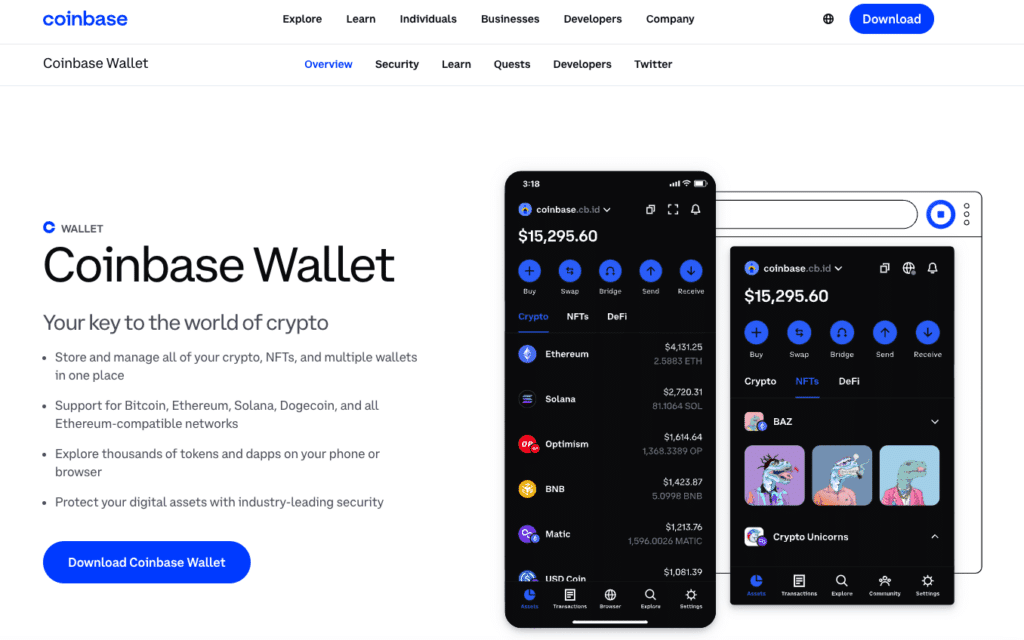
Coinbase Wallet is the easiest starting point for someone new to self-custody. The standout feature is Smart Wallet, which uses passkey technology (biometric authentication like FaceID) to replace the traditional 12-word seed phrase setup. You create a wallet in seconds without writing down anything.
The wallet plays especially well with Coinbase's Base network, a Layer 2 built on Ethereum that offers near-instant transactions at a fraction of mainnet gas fees. For beginners who want to explore DeFi without getting overwhelmed, that is a real advantage.
Cost: Free (network fees apply)
2. MetaMask - Best for Ethereum and DeFi
The default wallet for Ethereum DeFi, compatible with nearly every dApp and NFT marketplace
Now supports Bitcoin, Solana, and all EVM-compatible chains (Arbitrum, Optimism, Base, Polygon)
Browser extension and mobile app work seamlessly together
Integrates with hardware wallets (Ledger, Trezor) for an extra security layer
Customizable gas fees and transaction settings for power users
Default swap fees are around 0.875%, higher than some alternatives
Can feel overwhelming for complete beginners due to network configuration options
Phishing attacks commonly target MetaMask users with fake pop-ups
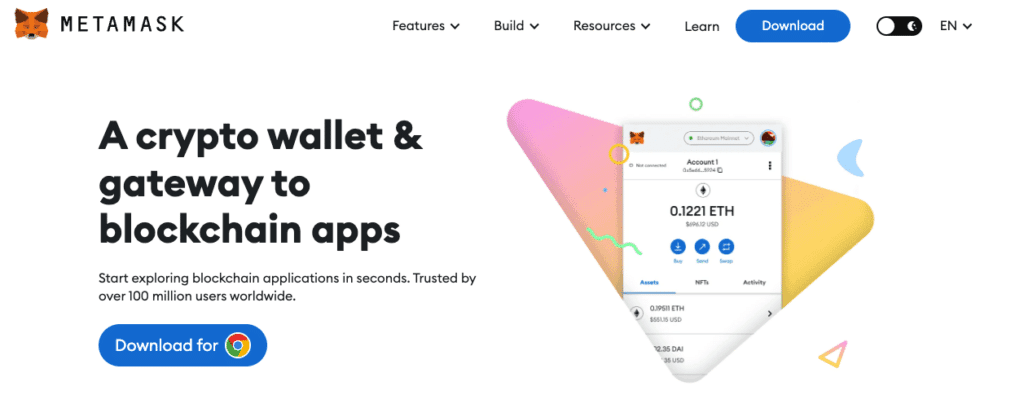
MetaMask remains the gold standard for anyone serious about Ethereum-based DeFi. If you want to swap tokens on Uniswap, mint NFTs, or interact with lending protocols like Aave, MetaMask is what most platforms expect you to use.
A major update expanded MetaMask beyond its Ethereum-only roots. It now supports Bitcoin and Solana natively, along with every major EVM chain. You can also pair it with a Ledger or Trezor hardware wallet, giving you the convenience of MetaMask's interface backed by offline key storage.
Cost: Free (gas fees + 0.875% swap fee apply)
3. Ledger Nano S Plus - Best Hardware Wallet
Certified Secure Element chip keeps private keys completely offline
Supports 5,500+ cryptocurrencies and all major blockchains
Works with MetaMask, Guarda, and other software wallets for added flexibility
Compact USB-C design that fits on a keychain
Ledger Live app for managing your portfolio from desktop or mobile
No Bluetooth (upgrade to Nano X at $149 for wireless connectivity)
Small screen makes navigating large portfolios tedious
Ledger's 2023 data breach raised trust concerns, though device security was unaffected
The Ledger Nano S Plus is the best value in hardware wallets right now. At $79, it gives you the same Secure Element chip found in Ledger's more expensive models, supporting over 5,500 cryptocurrencies.
The device signs every transaction offline, so your private keys never touch the internet. Even if your computer is compromised, an attacker cannot extract your keys from the Ledger. The Ledger Live companion app lets you manage assets, stake coins, and even access DeFi directly from the hardware wallet.
Ledger also offers the Nano X ($149) with Bluetooth and a built-in battery for mobile use, the Flex ($249) with an e-ink touchscreen, and the premium Stax ($399) with a larger display.
Cost: $79 (one-time purchase)
4. Trezor Safe 3 - Best Open-Source Hardware Wallet
Fully open-source firmware you can audit yourself on GitHub
EAL6+ certified Secure Element chip (same level as bank cards)
Simple setup process that takes under 5 minutes
Supports around 1,000 cryptocurrencies including Bitcoin, Ethereum, and major altcoins
Integrates with MetaMask, Exodus, and other popular software wallets
Supports fewer coins than Ledger (1,000 vs 5,500+)
No Bluetooth on the Safe 3 (available on Safe 7 at higher price)
Plastic build feels less premium than Ledger's metal designs
Trezor is the original hardware wallet maker, and the Safe 3 brings their open-source philosophy into a modern package. Every line of the firmware code is publicly available on GitHub, which means security researchers worldwide can (and do) audit it. For users who value transparency over everything else, that is a big deal.
The Safe 3 features an EAL6+ Secure Element chip, the same certification level used in banking and government ID cards. It is a no-frills device: plug it in via USB-C, confirm transactions on the built-in screen, and unplug it. Simple.
Trezor also offers the entry-level Model One ($59) and the premium Safe 5 ($129) with a color touchscreen and Bluetooth.
Cost: $79 (one-time purchase)
5. Trust Wallet - Best for Mobile
Supports 100+ blockchains and millions of tokens out of the box
Built-in staking for coins like SOL and ATOM (5% to 15% annual rewards)
Integrated dApp browser for mobile DeFi access
No extra fees on top of standard network charges
Backed by Binance with consistent development and updates
Desktop version is still catching up to the mobile experience
Customer support can be slow during high-demand periods
No hardware wallet integration for added security
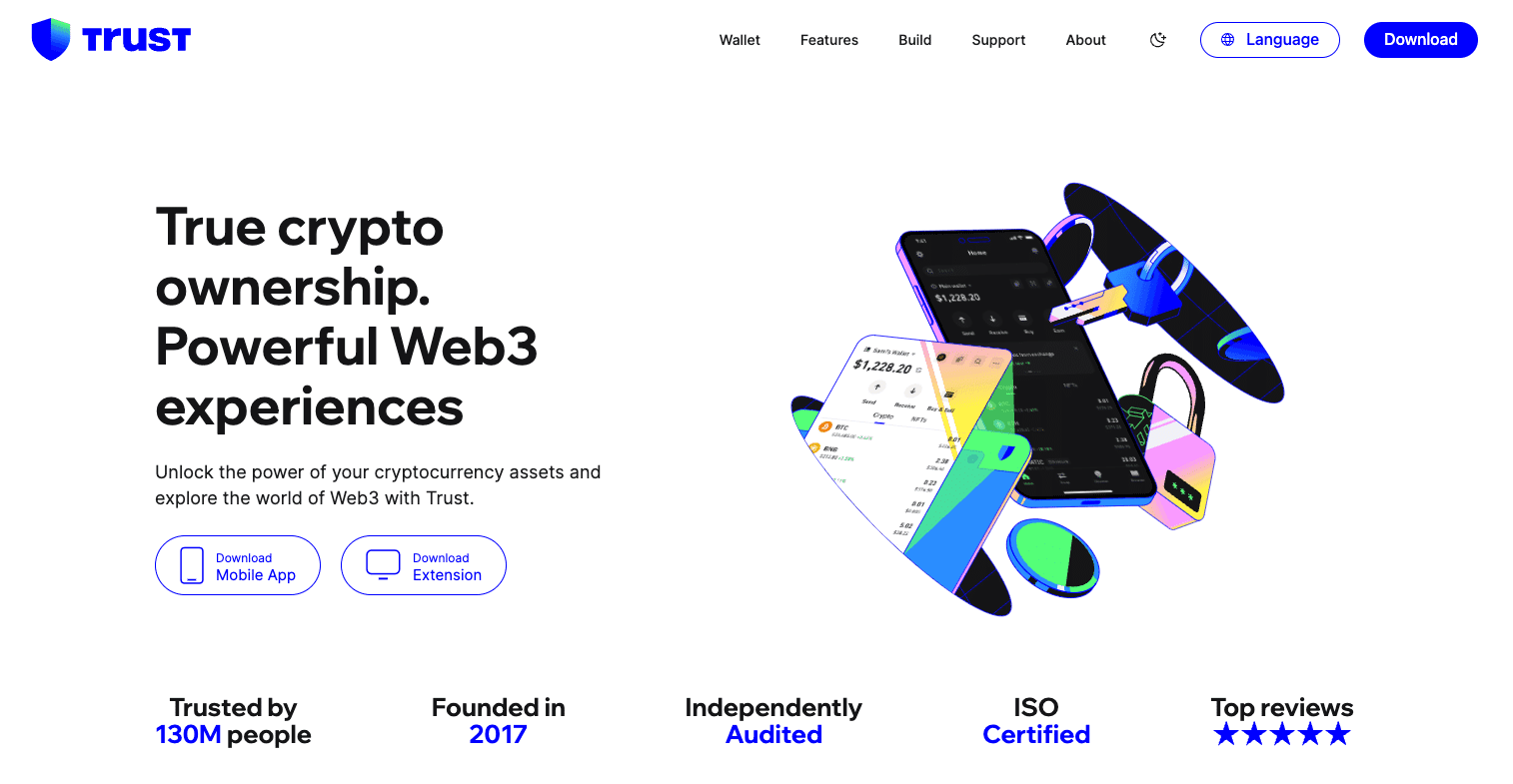
Trust Wallet is the best option if you primarily manage crypto from your phone. It supports over 100 blockchains natively, which means you rarely need to add custom networks manually.
The built-in staking feature is a nice bonus. You can earn passive rewards on coins like Solana (SOL), Cosmos (ATOM), and others directly inside the wallet, with yields typically ranging from 5% to 15% annually. No separate staking platform needed.
Cost: Free (network fees apply)
6. Exodus - Best for Desktop Users
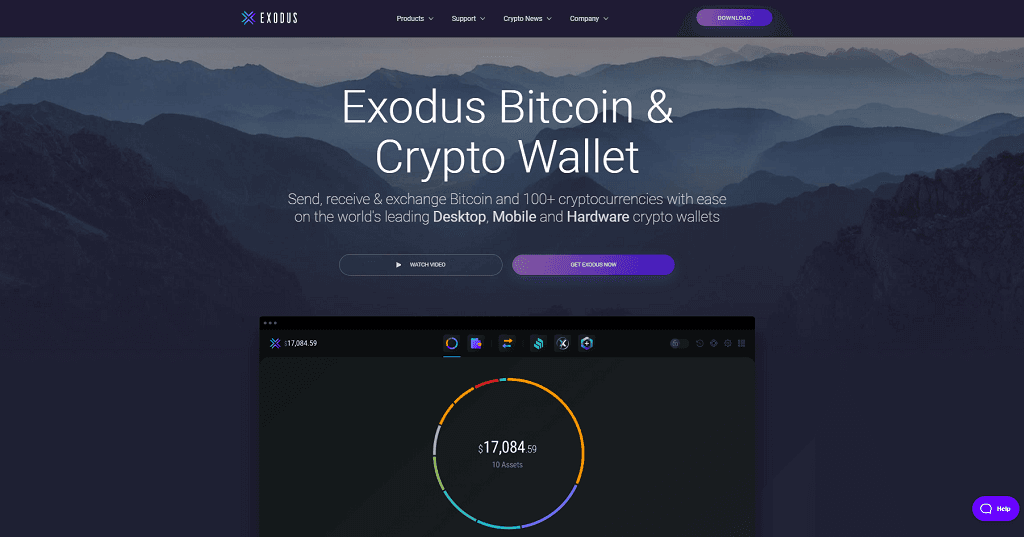
One of the best-looking wallet interfaces with real-time portfolio charts
Built-in exchange aggregator pulls rates from 9+ providers for best pricing
Supports 300+ cryptocurrencies across desktop, mobile, and browser
Direct integration with Trezor hardware wallets for cold storage backup
24/7 customer support with fast response times
Closed-source code, so you cannot independently audit the security
Exchange fees can run higher than using a dedicated exchange directly
No native multi-signature support for advanced security setups
Exodus stands out for its design. The portfolio dashboard shows your asset allocation with clean charts, real-time pricing, and transaction history at a glance. If you want a wallet that feels like a proper financial app rather than a crypto-nerd tool, Exodus nails it.
The built-in exchange aggregator is worth highlighting. Instead of routing swaps through a single provider, Exodus compares rates across 9+ exchange APIs (including ChangeHero, Changelly, and SimpleSwap) to find you the best deal.
Pairing Exodus with a Trezor hardware wallet gives you the best of both worlds: Exodus's polished interface with Trezor's offline key storage.
Cost: Free (exchange fees apply)
7. SafePal S1 - Best Budget Hardware Wallet
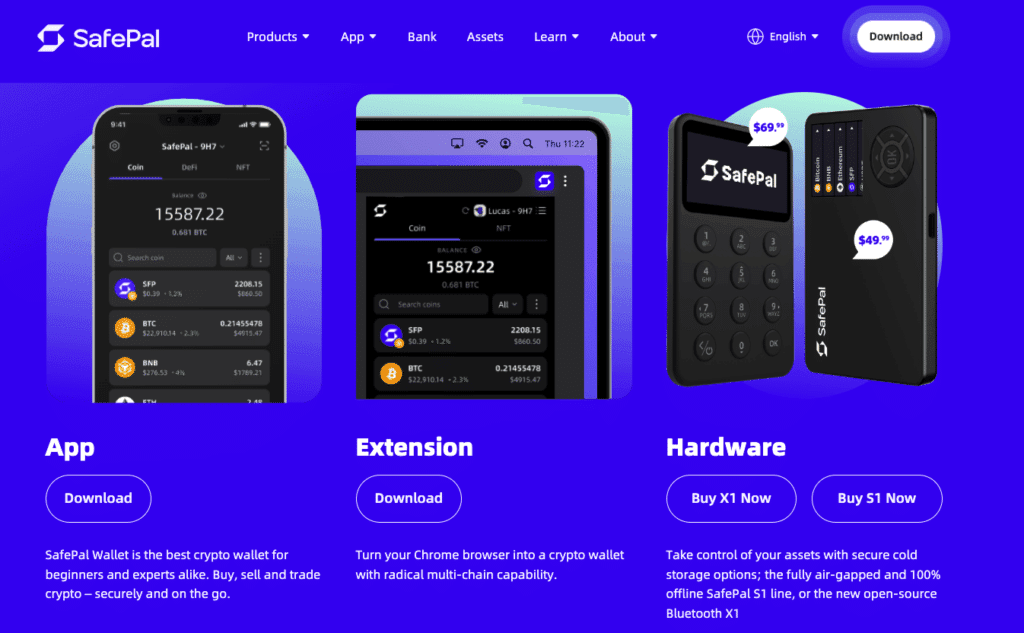
Completely air-gapped: signs transactions via QR code, never connects to the internet
Supports 20,000+ cryptocurrencies across multiple blockchains
At $49.99, it is the cheapest hardware wallet worth buying
Built-in camera for QR-based transaction signing
Self-destruct mechanism wipes the device if tampering is detected
QR code signing process is slower than USB-connected wallets
Smaller company with less track record than Ledger or Trezor
Desktop support is minimal compared to the mobile app
The SafePal S1 takes a different approach to hardware wallet security. Instead of plugging into your computer via USB (which creates a potential attack surface), SafePal uses QR codes. You scan a QR code with the device's built-in camera to confirm transactions. The device never connects to the internet, your phone, or your computer through any cable or wireless signal.
This air-gapped design makes it exceptionally difficult to hack remotely. The tradeoff is speed: each transaction requires scanning QR codes back and forth between your phone and the device, which takes a few extra seconds compared to USB wallets.
SafePal also offers the S1 Pro ($89.99) with an aluminum body and the X1 ($69.99) with Bluetooth connectivity.
Cost: $49.99 (one-time purchase)
Comparison of the Best Crypto Wallets
This table summarizes the key differences between all seven wallets to help you pick the right one.
| Wallet | Type | Best For | Coins Supported | Key Security Feature | Cost |
|---|---|---|---|---|---|
| Coinbase Wallet | Hot (Software) | Beginners | 100,000+ | Smart Wallet passkeys, biometrics | Free |
| MetaMask | Hot (Software) | Ethereum & DeFi | All EVM + BTC + SOL | Hardware wallet integration, custom RPCs | Free |
| Ledger Nano S Plus | Cold (Hardware) | Security-focused users | 5,500+ | Certified Secure Element chip, offline signing | $79 |
| Trezor Safe 3 | Cold (Hardware) | Open-source advocates | 1,000+ | EAL6+ chip, fully open-source firmware | $79 |
| Trust Wallet | Hot (Software) | Mobile users | 100+ blockchains | Local key storage, passcode lock | Free |
| Exodus | Hot (Software) | Desktop users | 300+ | Trezor integration, password encryption | Free |
| SafePal S1 | Cold (Hardware) | Budget cold storage | 20,000+ | Air-gapped QR signing, self-destruct | $49.99 |
Want to get into crypto?
Most buyers lose money on fees. We compare the best crypto brokers to maximize your profits.
Compare crypto brokers here!

How to Choose the Right Crypto Wallet
The best wallet for you depends on how you use crypto. Here is a practical framework for deciding.
Decide your security vs. convenience priority
If you hold more than $1,000 in crypto or plan to hold long-term, a hardware wallet is worth the investment. For smaller amounts or active trading, a software wallet is fine.
Check which coins and chains you need
If you only use Ethereum and ERC-20 tokens, MetaMask covers you. If you hold a diverse portfolio across many blockchains, Trust Wallet or Coinbase Wallet offer the broadest support.
Consider DeFi and dApp usage
For active DeFi participation, MetaMask is the standard. Coinbase Wallet is catching up, especially for Base network projects. Hardware wallets can connect to DeFi through companion apps.
Factor in your budget
Software wallets are free. Hardware wallets range from $49.99 (SafePal S1) to $399 (Ledger Stax). The Ledger Nano S Plus and Trezor Safe 3 at $79 each offer the best security per dollar.
Think about combining wallets
Many experienced crypto users keep a hot wallet for daily transactions and a cold wallet for long-term holdings. MetaMask paired with a Ledger, or Exodus paired with a Trezor, are two popular combos.
Protecting Your Seed Phrase
Your seed phrase (also called a recovery phrase) is a list of 12 or 24 words generated when you set up a wallet. It is the only way to recover your wallet if you lose your device, forget your password, or need to move to a new wallet app.
If someone gets your seed phrase, they get your crypto. No exceptions, no customer support to call.

Seed Phrase Safety Rules
- Write it down on paper or stamp it into metal. Never store it digitally (no screenshots, no cloud, no notes app).
- Keep copies in at least two separate physical locations (e.g., home safe and a trusted relative's safe).
- Never share it with anyone. No legitimate wallet company will ever ask for your seed phrase.
- Consider a metal backup like a Cryptosteel or Billfodl to protect against fire and water damage.
- Be wary of phishing sites or emails that ask you to "verify" your seed phrase.
Crypto Wallet Security Trends in 2026
Wallet security keeps evolving. Here are the most notable developments shaping crypto wallets in 2026.
Passkey authentication: Coinbase's Smart Wallet and similar implementations are replacing seed phrases with biometric passkeys for wallet creation and recovery. This lowers the barrier for mainstream adoption.
Multi-party computation (MPC): Wallets like ZenGo split your private key into two shares (one on your device, one on the company's server). Neither share works alone, eliminating the single point of failure of a traditional seed phrase.
Account abstraction: New Ethereum wallet standards (ERC-4337) enable features like gasless transactions, social recovery, and spending limits that were previously impossible with traditional wallets.
Hardware wallet touchscreens: The Ledger Flex and Trezor Safe 5 introduced e-ink touchscreens for transaction verification, replacing the small screens and button interfaces of older hardware wallets.
Open-source security audits: The push for transparency is growing. Trezor's fully open-source firmware sets the standard, and more wallet companies are publishing security audit reports.
Which Crypto Wallet Should You Get?
If you are just getting started with crypto, Coinbase Wallet is the safest bet. The Smart Wallet feature removes the intimidating seed phrase setup, and the Coinbase ecosystem makes buying your first coins straightforward.
For anyone holding more than a few hundred dollars worth of crypto long-term, invest in a hardware wallet. The Ledger Nano S Plus ($79) offers the broadest coin support, while the Trezor Safe 3 ($79) appeals to those who prefer open-source transparency.
Active DeFi users should stick with MetaMask, ideally paired with a hardware wallet. Mobile-first users will find Trust Wallet hard to beat, and desktop users who value design should check out Exodus.
If budget is your primary concern, the SafePal S1 at $49.99 delivers legitimate hardware security at roughly half the cost of the competition.
Whatever you choose, the most important thing is moving your crypto off exchanges and into a self-custody wallet. Your keys, your coins.
Frequently Asked Questions
 What is the most trusted crypto wallet?
For hardware wallets, the Ledger Nano S Plus and Trezor Safe 3 are the most widely trusted due to their track records and security certifications. For software wallets, Coinbase Wallet and MetaMask have the largest user bases and most established reputations. The most trusted wallet depends on your needs: hardware wallets are trusted for security, while software wallets are trusted for accessibility.
What's the difference between hot and cold wallets?
Hot wallets are software applications (phone apps, desktop programs, or browser extensions) that stay connected to the internet. They are free and convenient for everyday use but more vulnerable to hacking. Cold wallets are physical hardware devices that store your private keys offline. They cost $49 to $399 but provide significantly stronger protection against online attacks. Many users combine both types.
Are crypto wallets free?
Software (hot) wallets like Coinbase Wallet, MetaMask, Trust Wallet, and Exodus are free to download and use. You only pay network transaction fees when sending crypto. Hardware (cold) wallets require a one-time purchase: the SafePal S1 costs $49.99, the Ledger Nano S Plus and Trezor Safe 3 cost $79 each, and premium models range up to $399.
What happens if I lose my crypto wallet?
If you have your seed phrase (the 12 or 24 words generated during wallet setup), you can recover your entire wallet on a new device or app. Your crypto lives on the blockchain, not inside the wallet itself. However, if you lose both your wallet and your seed phrase, your crypto is permanently inaccessible. No company or customer support can recover it for you.
Can I store different types of cryptocurrencies in one wallet?
Yes, most modern wallets support multiple cryptocurrencies. Trust Wallet supports 100+ blockchains, Coinbase Wallet handles 100,000+ assets, and Ledger supports 5,500+ coins. The exact range varies by wallet, so check compatibility with your specific coins before choosing. MetaMask originally only supported Ethereum tokens but now also works with Bitcoin, Solana, and other EVM chains.
Do I need a wallet to buy crypto?
You can buy crypto on exchanges like Coinbase or Kraken without a separate wallet. Those platforms provide custodial wallets where the exchange holds your private keys. However, a self-custody wallet (like those in this guide) gives you full control. The crypto saying "not your keys, not your coins" highlights that crypto held on exchanges is only as safe as that exchange.
What is the best crypto wallet for XRP?
For XRP specifically, Trust Wallet and Exodus both offer native XRP support with easy management. For hardware storage, the Ledger Nano S Plus supports XRP through the Ledger Live app. The Trezor Safe 3 also supports XRP. If you hold a large amount of XRP long-term, a hardware wallet is the safest option.
Comments
Only registered users can leave comments.